


NelNet Multi-Factor Authentication Instructions
Nelnet Multi-Factor Authentication Instructions
If you need assistance navigating this process, please email paymentplan@howardcc.edu.
1. Access the Tuition Payment Plan
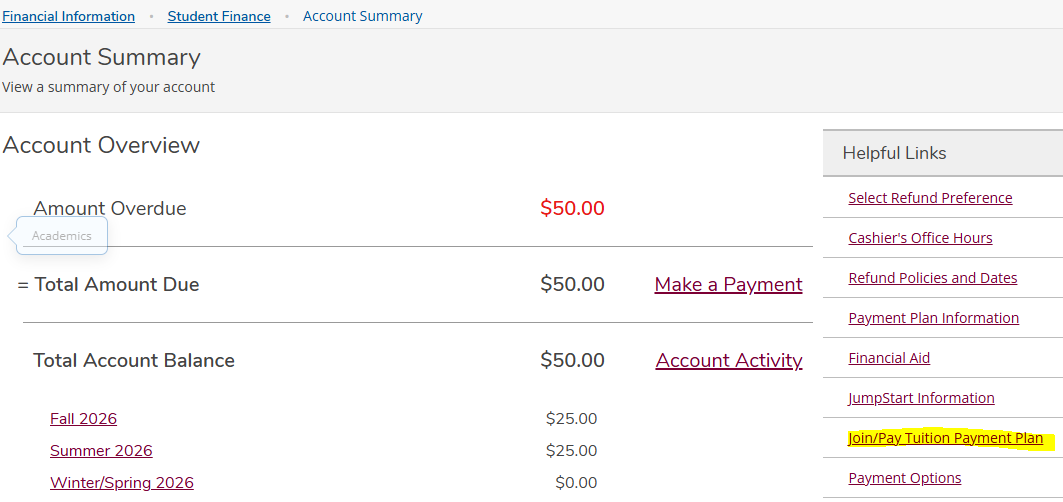
After logging in to myHCC, go to Self Service → Student Finance. Under Helpful Links, select Join/Pay Tuition Payment Plan
2. Select an Authentication Method
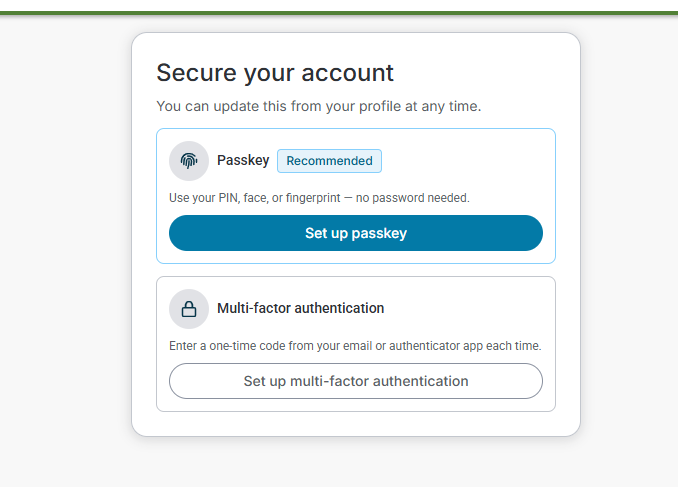
Select either Passkey or Multi-Factor Authentication.
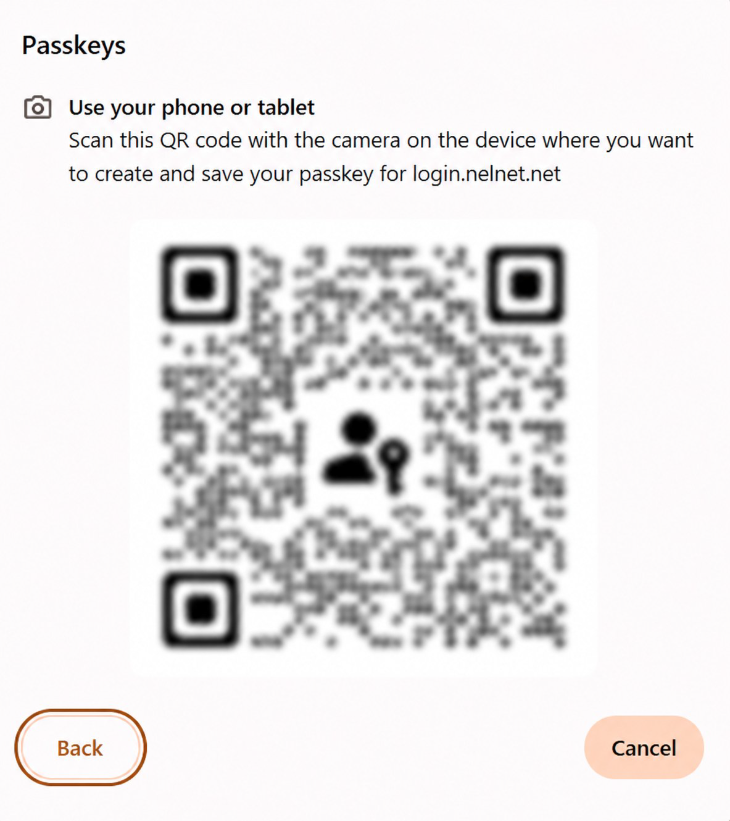
3. Set Up a Passkey
If you select Set up passkey, follow the instructions provided on the screen.
4. Set Up Multi-Factor Authentication
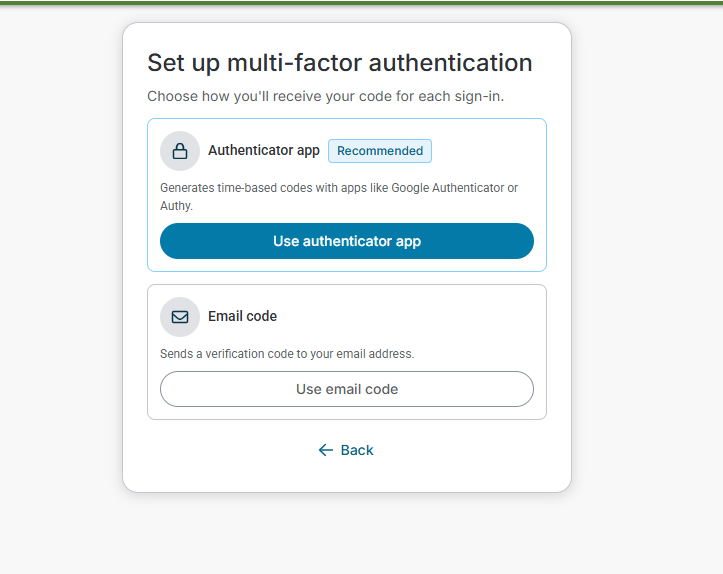
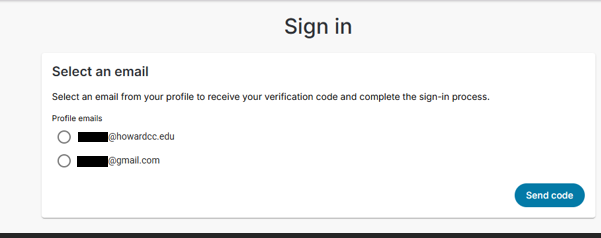
If you select Set up Multi-factor authentication – “Email code,” choose an email address from the options provided.
If you did not add a personal email address when you first created your account, the verification code will be sent directly to your HCC email address.
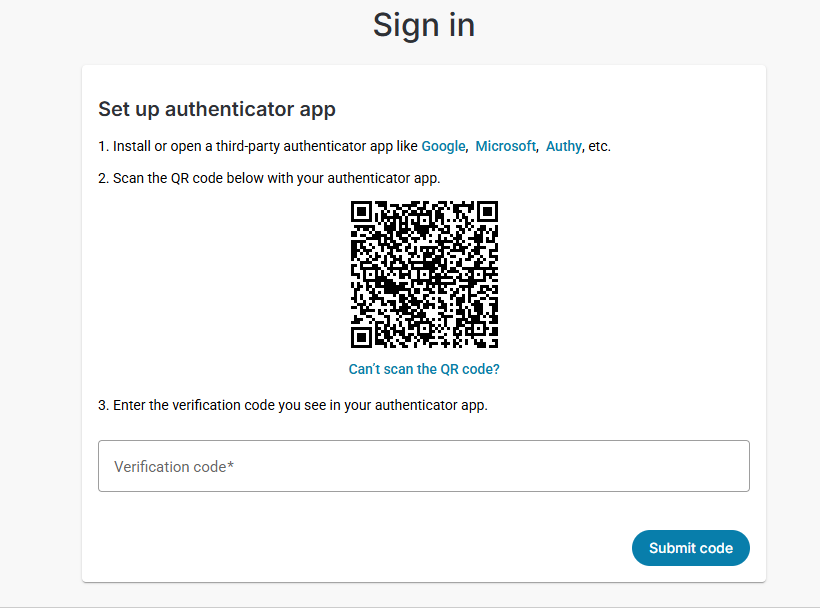
If you select Set up Multi-factor authentication – “Authenticator app”, follow the instructions provided on the screen